service 05 of 06
Wi-Fi that reaches the back office.
If people walk to the front of the building to send a big file, the network is the problem. We survey the space, run the cable, and put the access points where the walls say they should go.
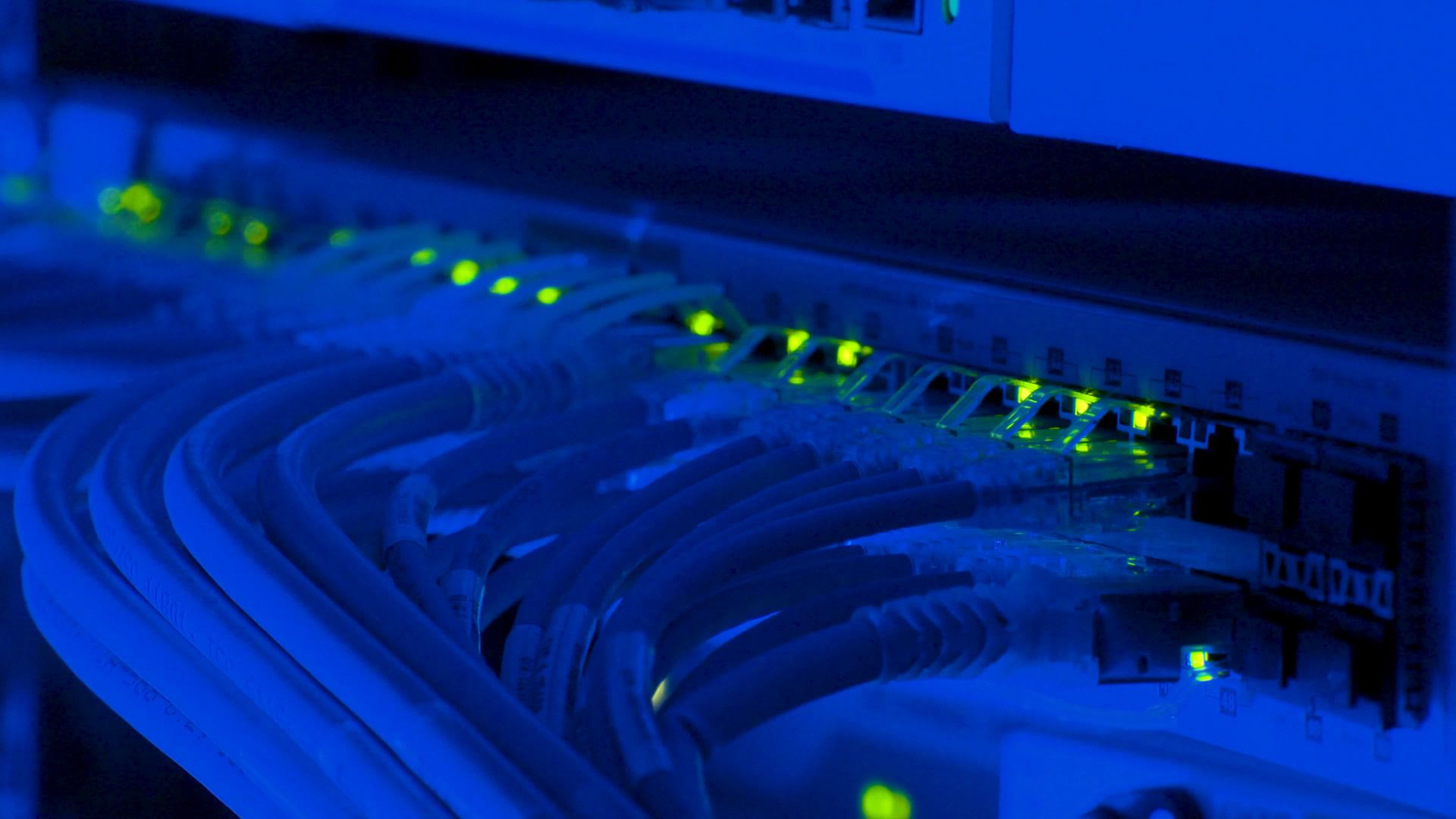
A small office rack, drawn out
Most offices under 40 people fit in a half height rack or a wall cabinet. Every port gets a label that matches a jack on the wall, and the diagram goes in your documentation, so the next person who opens the closet is not guessing.
We use business grade gear with no monthly licence traps where we can avoid them, and we tell you up front when a box will need replacing.
What a survey finds
We walk the space with a meter before we quote anything. These are the usual suspects in older Los Gatos buildings.
Plaster and brick
Older buildings eat Wi-Fi. One access point in the hall becomes two or three smaller ones, each closer to the people using it.
Mystery cabling
Jacks that go nowhere, cables daisy chained through a cheap switch under a desk. We trace, label, and replace what is failing.
Guest Wi-Fi on the office network
Visitors should never see your printers. We split guests onto their own network in an afternoon.
No battery backup
A two second flicker should not reboot the firewall. A small battery unit fixes it for a few hundred dollars.
What installs cost
Fixed quotes after the survey, hardware listed line by line. Typical ranges:
- Wi-Fi refresh, 2 to 4 access points$2,500 to $5,000
- New switch and firewall, 10 to 25 people$4,000 to $9,000
- Full office cabling and rack$9,000 to $18,000
Once it is in, managed IT keeps it watched and patched, and the help desk takes the calls when someone cannot connect. Moving offices? Tell us the date and we plan backwards from it.